StyleForger About
StyleForger
AI Art Style Gallery & Reference Database

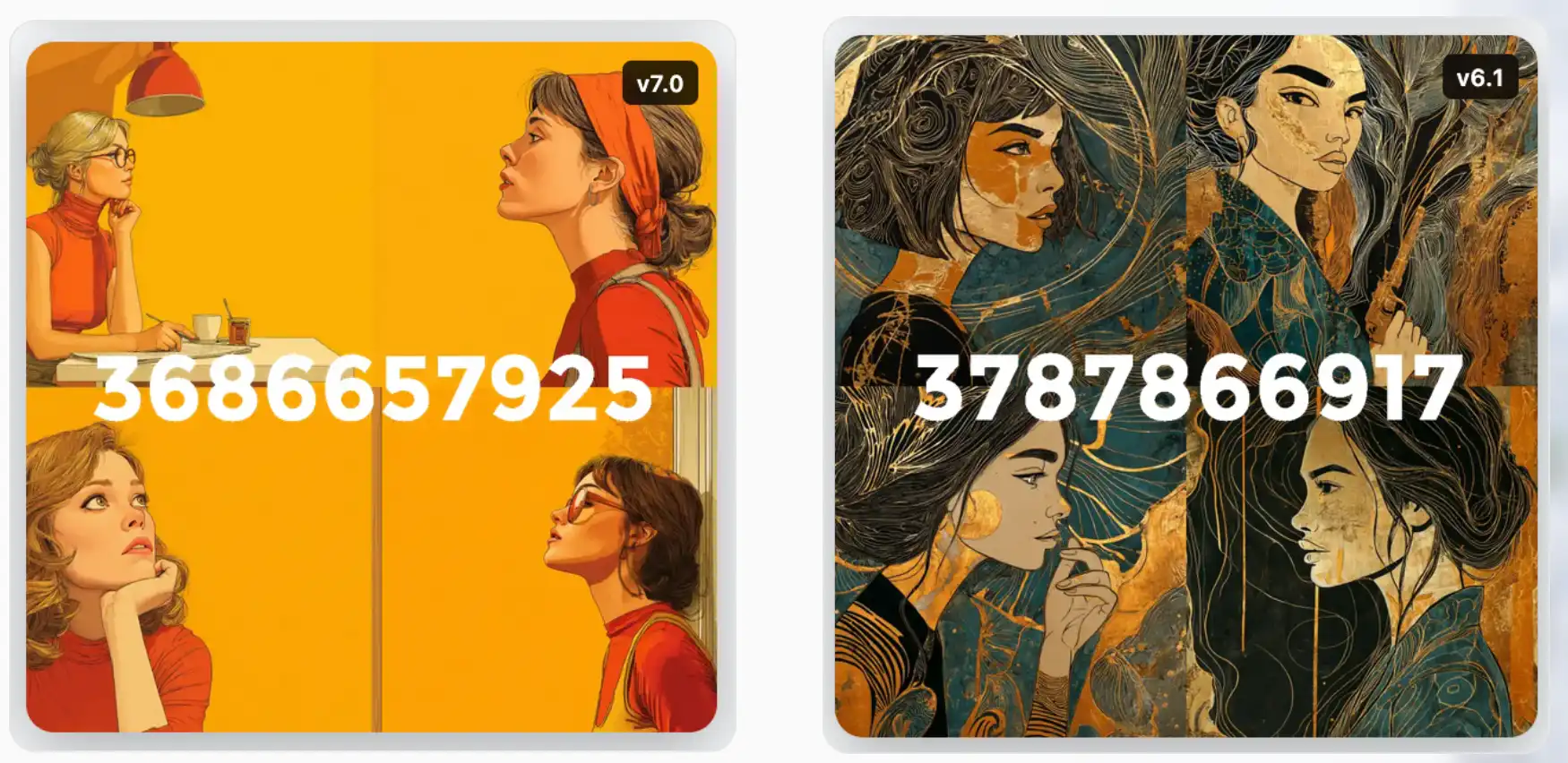
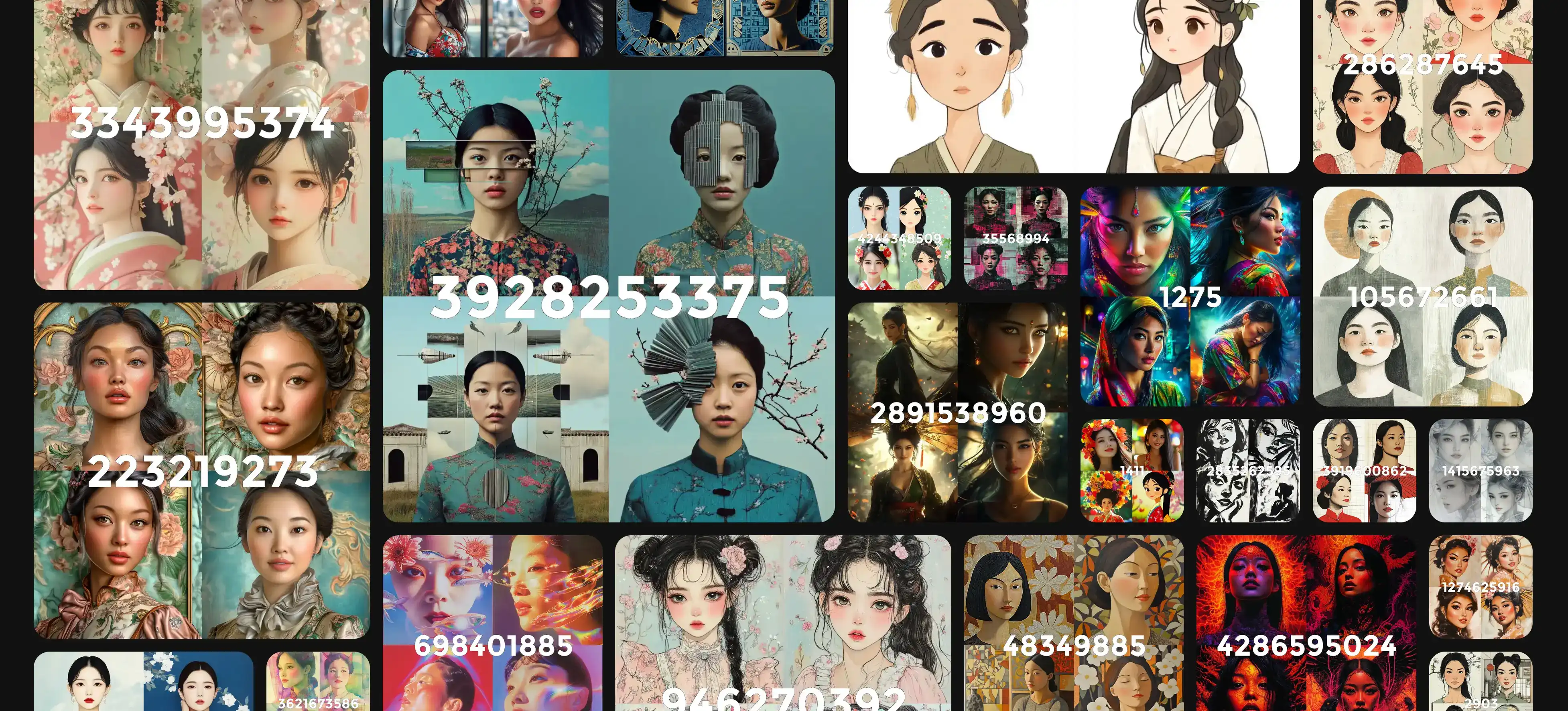
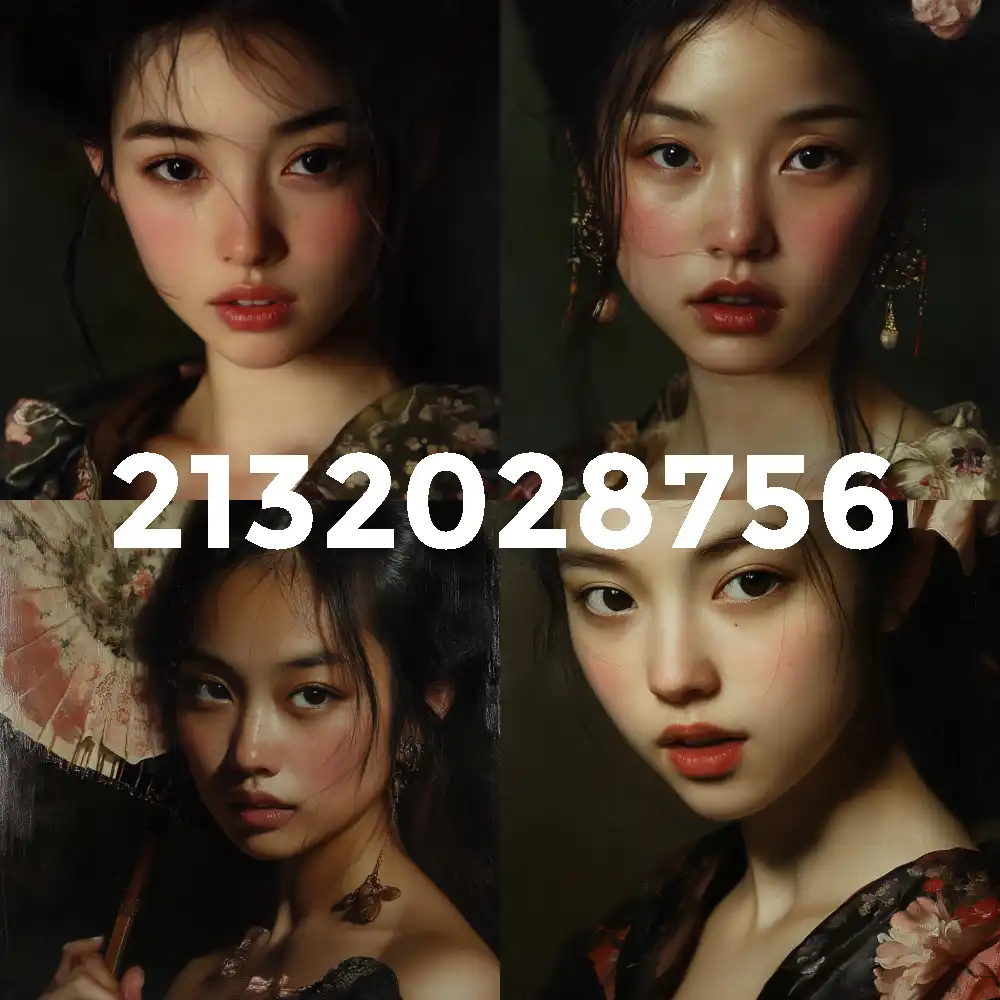
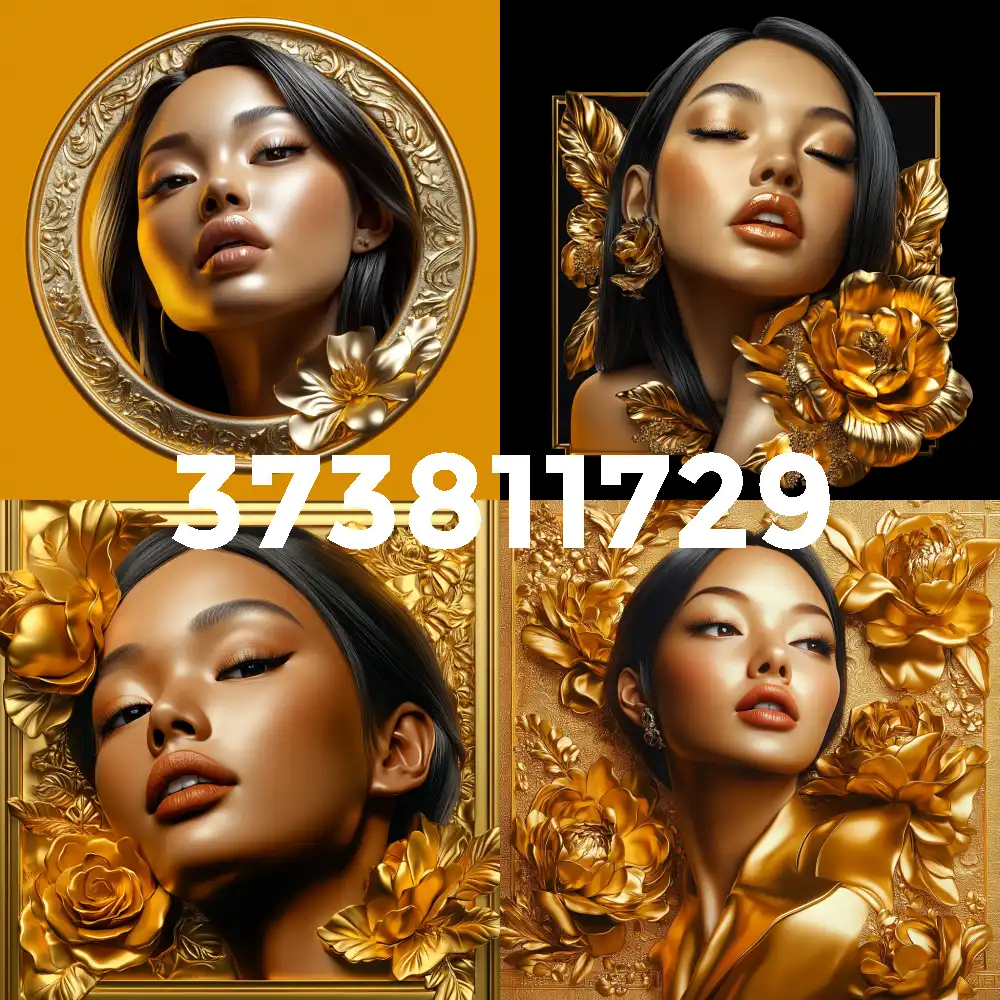
Featured Styles Used

Welcome to StyleForger

StyleForger is your premier destination for AI art style references and creative inspiration. Our curated gallery features thousands of unique Midjourney-generated styles, carefully organized to help digital artists, designers, and creators discover the perfect aesthetic for their projects.

Our Mission

We believe that great art begins with great inspiration. StyleForger bridges the gap between imagination and creation by providing a comprehensive database of AI art styles that serve as references, starting points, and creative catalysts for your artistic endeavors.

What You'll Find Here

Our collection spans multiple Midjourney versions (v7.0, v6.1, and Niji) and covers an extensive range of artistic styles, from photorealistic renders to abstract compositions. Each style is tagged and searchable, making it easy to find exactly what you're looking for or to stumble upon unexpected inspiration.

Features & Tools

StyleForger offers sophisticated search capabilities, version-specific filtering, curated collections, and a clean, intuitive interface that puts the focus where it belongs - on the art. We've curated thousands of unique AI-generated styles to help you discover the perfect aesthetic for your creative projects.

Get in Touch

Have questions, suggestions, or want to connect with fellow creators? Follow me on deviantArt @nocturnalrealms

15,733
Total Styles
3,779
v7.0 Styles
685
Niji Styles
11,954
v6.1 Styles

Drag & Drop: Organize Your Collections with Ease

Managing your style collections just got a whole lot smoother.

What's New

You can now drag any style tile from your current collection and drop it onto another folder in the sidebar. A small popup will ask whether you want to Copy or Move the style. That's it. No extra clicks, no menus to navigate — just grab and go.

How It Works

Open any collection

Drag a style tile towards the sidebar

Valid folders will highlight as you hover

Drop it on the folder you want

Choose Copy or Move

Done

Smart Restrictions

Not every folder will accept every style. You'll notice some folders stay greyed out and won't respond to your drag. This happens when:

The style already exists in that collection (no duplicates)

Type mismatch — Niji styles can only go into Niji collections, and regular styles into regular collections. Mixing them would break things, so we simply don't allow it.

Source folder — You can't drop a style back into the folder you're dragging from

Invalid folders just sit there, unresponsive. No error messages, no popups. If a folder doesn't react, it's not an option.

Copy vs Move

Copy — The style stays in your current collection AND gets added to the target folder. Great for styles that fit multiple themes.

Move — The style leaves your current collection and lands in the target folder. Useful for reorganizing.


As always, your collections live in your browser's local storage. No account needed. Just don't forget to back them up. 

You keep organising and I keep improving. 
November Update: Hearts, Robots, and a Contact Form

Quick update on what's new around here!

Moodboard Voting — You can now heart moodboards. The little badge sits in the corner, always visible, ready for your love.

"Most Popular" Badges — Styles in the top 10% now show a subtle "❤️ Most Popular" pill on their tile. Click it to visit the Popular page.

Modal Consistency — The Popular and Curated pages now have the same full-bleed images and dual copy buttons as the main gallery. Plus voting works everywhere now.

Contact Form — There's a proper contact page now. The captcha? A random style tile, clickable. Type the number to prove you're human. Spam prevention meets style discovery.

Privacy Page — Finally wrote one. It's short, honest, and mildly entertaining. No legal jargon, I promise.

That's it. Back to my coffee. ☕

Personal Collections Are Here! (Sort Of)

Remember when I said I removed all the account features because nobody used them? Well, plot twist - collections are back, but this time without the hassle of signing up for anything.

What's New?

You can now save your favourite styles to personal collections directly in your browser. See that little bookmark icon in the corner of each style tile? Click it. Magic happens. Sparkles fly. Your style is saved.

Got multiple collections? No problem. A neat little picker pops up asking where you want to stash your find. Only have one collection? It just adds it directly because I respect your time.

The Catch (There's Always a Catch)

Here's the thing - these collections live in your browser's localStorage. That means:

• They only exist on THIS device, in THIS browser

• Clear your browser data? Poof. Gone. Forever.

• Switch to your phone? Your collections aren't there

• Your cat walks across your keyboard and somehow clears your cache? You get the idea.

I am absolutely, 100%, not responsible if you lose your collections. They're personal. Look after them personally. There's a yellow warning triangle on the collections page - I suggest clicking it.

But Wait, There's a Backup!

Don't panic. You can export all your collections to a JSON file anytime. It's literally one button. Press it. Save the file somewhere. Future you will thank present you. The JSON can be imported into other browsers i.e. Chrome, Safari, Firefox (not sure what Edge does, not tested that)

You can also share collections via a special URL, or publish them to the community gallery for eternal preservation (and internet fame, obviously).

Shared collections won't show who shared them, since there are no accounts, it's anonymous. 

Sharing Rules (Yes, Rules)

Want to share your collection with the world? Cool. But:

• Minimum 25 styles required - no sharing your "collection" of 3 random styles you clicked by accident

• Once published, it's permanent - no edits, no take-backs, no "oops I didn't mean that one"

• Keep it clean - the profanity filter is watching

I'm not trying to be a buzzkill, I just don't want the shared gallery turning into a wasteland of half-empty collections named after body parts.

How to Get Started

1. Browse styles like you normally do

2. Click the bookmark icon on styles you love

3. Visit "My Collections" to see your treasures

4. Export backups regularly (seriously, do this)

5. Share your best work when you've got 25+ styles worth showing off

Happy collecting! And remember — backup, backup, backup.

A simpler Styleforger

It turns out most people simply don’t want to create an account - even a free one. And that’s fair. There’s no point investing time into features no one feels inclined to use.

I do receive a lot of traffic, though, and they can’t all be bots. So I’ve decided to simplify the site. Some features will step aside for now, especially those that rely on user accounts, like personal collections, style notes, favourites, galleries, and moodboards. A few of these may return later - favourites and moodboards in particular - once there’s a clearer need for them.

For now, you can browse by version, search by colour, search by keyword, or simply hit random and see what fate delivers.

And to those who are using the site and genuinely finding it helpful - thank you. Your support means more than you know.

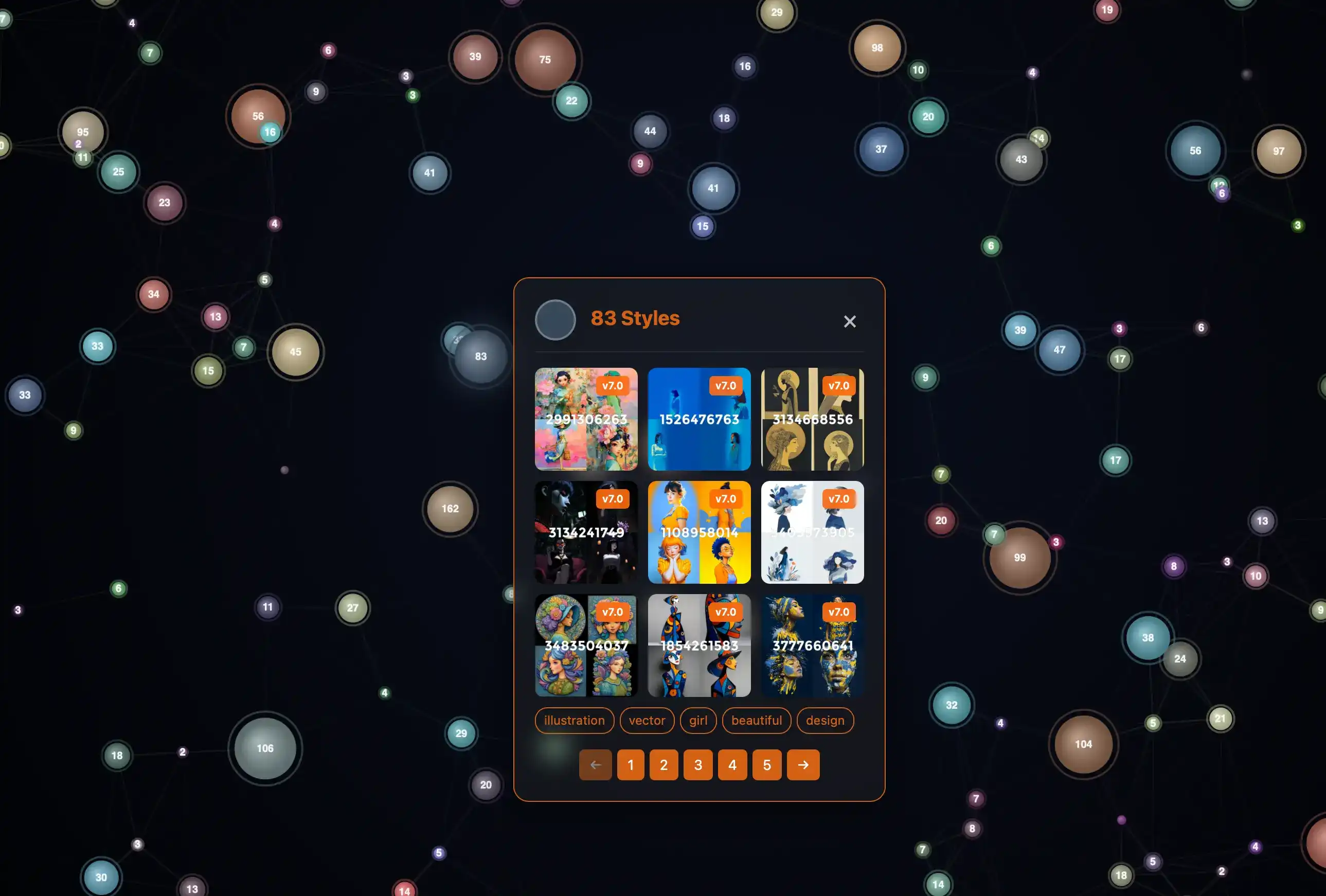
Style Mesh: A New Way to Discover Midjourney Styles

I'm thrilled to unveil Style Mesh (beta), an innovative interactive visualization that transforms how you discover and explore Midjourney style references. 

Rather than scrolling through endless galleries, Style Mesh uses intelligent color clustering to group thousands of styles into floating, interconnected nodes that you can explore with a simple click. Each colorful node represents a cluster of styles sharing similar color palettes, with larger nodes indicating more styles in that group – hover over any node to see connection patterns, then click to dive into a curated collection of styles complete with their --sref numbers ready to copy. 

Whether you're hunting for that perfect moody blue aesthetic or seeking vibrant warm tones, Style Mesh lets you navigate the entire style library through an intuitive, visually-driven interface that makes style discovery feel less like searching and more like exploring a living constellation of creative possibilities.

Currently the Mesh is limited to 200 primary colours and 5000 Styles. Just for the sake of page performance. 


Blog Post Image

Style Reference Update (V7.0)

MidJourney has updated how --sref works in version 7.0. It now handles style blending more accurately and supports features like --sref random and better multi-style combinations.

In response, StyleForger will now label all styles with either V6.1 or V7.0.
As of today, only V7.0 styles will be added going forward.

The main image browser already displays the version number. Newly added styles do too.
In the coming weeks, version labels will appear across all pages, and a version filter will be added to search.

Blog Post Image

Spring Redesign

I am almost done with my spring glassmorphism redesign. Hope you like it. 
The extended search (registered users) is mostly fixed. Search by Style number or Keywords. Curations, Collections, tags and numbers will be crawled for the results. 
Adding results to collections is still in progress. Also, so far niji styles won't show in the results. It's on my long list of things :)

Spring Refresh: StyleForger Gets a Visual Upgrade!

StyleForger just got a gorgeous makeover! The main gallery now features a beautiful masonry style layout. Nicer hover effects and the boring pagination was replaced with a simple 'load more' option for smoother browsing. 

Grid is so last season :)

Blog Post Image

Finally! Tags Are Here

Okay, I'll admit it – I've been putting off the whole "tagging" thing for way too long. You know how it is when you have 11K+ styles and the thought of manually tagging each one makes you want to hide under a blanket forever? Yeah, that was me. 

But then I had a lightbulb moment: why not let AI do the heavy lifting?

I've just rolled out AI-generated tags across the entire StyleForger collection. Every single style now gets automatically analyzed and tagged with relevant keywords that actually make sense. We're talking tags like "sexy," "watercolor," "portrait," "neon," "vintage" – the kind of descriptive words you'd naturally think of when looking at a style.

Tag Search for Everyone, even for those (unfortunately most of you) who are not registered. :)

In the background I have been tweaking Curations too. They are now auto-generated from the most popular keywords. 

Hope this helps! 

Style Notes

I’ve just added a new feature — Style Notes. It’s something I’ve wanted for a while: a way to quickly jot down ideas when a style sparks something.

You can now (work in progress):

  • Add a note directly from any style [from the main style browser and from your collections]
  • Attach multiple styles to a single note
  • View and manage all your notes from your profile


It’s a simple way to capture those little creative flashes before they disappear.

Created notes show on your profile page and are completely private.

Feature-image Archive

About Image Archive
Mar 23, 2025
Styles Used:
Style 1066911694
About Image Archive
Mar 9, 2025
Styles Used:
Style 34465250
Style 2132028756
Style 980518516
Style 3998011918
About Image Archive
Mar 8, 2025
Styles Used:
Style 34465250
Style 2132028756
Style 980518516
Style 3998011918
About Image Archive
Mar 2, 2025
Styles Used:
Style 682866598
Style 1252481324
Style 2366432896
About Image Archive
Feb 11, 2025
Styles Used:
Style 964849251
Style 1626294336
Style 4220480627
Style 921898874
About Image Archive
Feb 8, 2025
Styles Used:
Style 1911829838
Style 3889825255
About Image Archive
Jan 30, 2025
Styles Used:
Style 2355038787
About Image Archive
Jan 10, 2025
Styles Used:
Style 3056729433
Style 3623568872
Style 396477463
Style 1839793894
Style 1392620838
Style 2114688842
Style 2305422984
About Image Archive
Jan 9, 2025
Styles Used:
Style 3623568872
Style 2293735989
About Image Archive
Dec 9, 2024
Styles Used:
Style 964849251
Style 1626294336
Style 4220480627
Style 921898874
About Image Archive
Nov 23, 2024
Styles Used:
Style 1580
About Image Archive
Nov 17, 2024
Styles Used:
Style 4286
Style 4172
Style 4115
Style 373811729